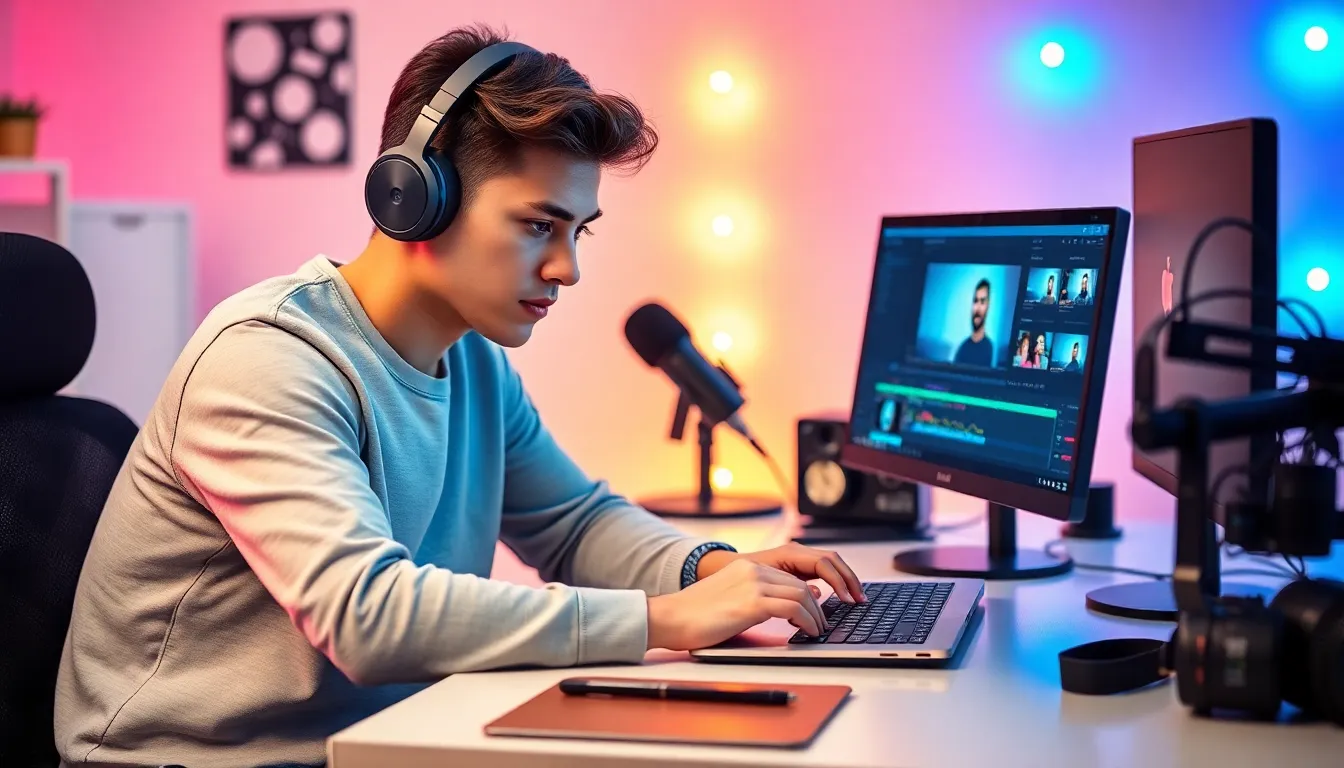
In the fast-paced world of YouTube, where every second counts, the right video editing software can make or break a creator’s success. With millions of channels vying for attention, YouTubers need tools that not only enhance their content but also keep their audience glued to the screen. So what’s the secret sauce behind those jaw-dropping videos?
From Hollywood-level effects to simple drag-and-drop features, the choices can feel overwhelming. Whether they’re crafting epic vlogs or snappy tutorials, YouTubers rely on software that fits their unique style and workflow. Dive in to discover the go-to editing tools that help creators turn their wildest ideas into viral sensations, all while keeping a sense of humor intact. After all, who said editing can’t be fun?
What Video Editing Software Do YouTubers Use
Video editing software plays a vital role for YouTubers aiming to create engaging content. A wide range of options exists, catering to various skill levels and project requirements. Popular choices include Adobe Premiere Pro, Final Cut Pro, and Davinci Resolve. These applications provide advanced features like multi-camera editing and color correction, essential for achieving professional results.
User-friendly software such as iMovie and Filmora attracts beginners who prefer drag-and-drop functionality. Simple interfaces allow new creators to focus on storytelling rather than getting bogged down by complex tools. Core functionalities across these platforms often include trimming, cropping, and adding transitions, which help streamline the editing process.
Mobile video editing software, such as KineMaster and InShot, offers flexibility for creators on the go. With smartphones featuring high-quality cameras, editing tools designed specifically for mobile devices have gained popularity. Many of these programs include essential features like audio enhancements and effects that enhance the visual appeal.
Subscription-based services like Adobe Creative Cloud provide access to a suite of applications for a monthly fee. This approach allows users to experiment with different programs without significant upfront costs. Furthermore, open-source software like HitFilm Express gives users a robust editing experience for free, promoting creativity without financial constraints.
Overall, the choice of video editing software largely depends on individual needs, experience levels, and budget. Each platform offers unique benefits that cater to distinct workflows, making it crucial for YouTubers to choose the right tool to bring their creative visions to life.
Popular Video Editing Software Used by YouTubers
YouTubers often choose video editing software based on their needs and expertise. Various software options cater to different skills and budgets.
Adobe Premiere Pro
Adobe Premiere Pro stands out as a leading choice for professional creators. It’s known for its extensive features that support high-quality video production. Users appreciate the range of editing tools, such as color correction, audio mixing, and effects. Many YouTubers utilize its integration with other Adobe products. This software operates on a subscription basis, making it accessible for those who require continuous updates.
Final Cut Pro
Final Cut Pro appeals to Apple users looking for powerful editing capabilities. The software offers advanced functionalities, including magnetic timeline and multicam editing. Creators report that its intuitive interface accelerates the editing workflow. Tutorials and resources readily available allow users to enhance their skills. One-time purchase pricing makes it a favorable option for serious editors.
DaVinci Resolve
DaVinci Resolve is another strong contender known for its color grading capabilities. Professionals frequently choose it for its combination of free and paid versions. This software excels in both video editing and color correction, ensuring polished results. Users benefit from the non-linear editing workflow that promotes creativity. Many YouTubers leverage its robust features without a hefty price tag.
Filmora
Filmora is designed for beginners and casual editors. The drag-and-drop interface simplifies the editing process, making it user-friendly. Various built-in effects and transitions enhance creativity, encouraging users to experiment. It offers both subscription and one-time payment options, catering to various budgets. A growing community provides support and shared resources for Filmora users.
iMovie
iMovie serves as a basic yet effective tool for Apple users. Simple video editing features enable quick project setups and straightforward workflows. Users can access an array of templates and themes, making storytelling easy. It comes pre-installed on most Apple devices, eliminating upfront costs. Many new YouTubers enjoy its intuitive design, allowing them to create videos with minimal technical knowledge.
Features to Consider When Choosing Software
Selecting the right video editing software involves several critical features that cater to a creator’s specific needs.
User Interface
User interface plays a pivotal role in the editing process. An intuitive layout facilitates the editing flow, enabling creators to focus on their narratives. Simplicity often benefits beginners, while advanced users might prefer customizable interfaces that allow for more complex workflows. Software like Adobe Premiere Pro provides a sleek design, catering to professionals, whereas Filmora offers an easy-to-navigate platform for novices.
Performance and Speed
Performance and speed significantly impact the video editing experience. Fast rendering times and efficient performance streamline the editing process, reducing frustration. For instance, DaVinci Resolve excels in delivering quick playback and export speeds, making it ideal for users tackling large projects. Prioritizing software with optimized performance boosts productivity and enhances the overall editing experience.
Advanced Editing Tools
Advanced editing tools enhance creativity and elevate content quality. Features such as multi-camera editing, motion graphics, and sophisticated color grading increase a creator’s storytelling capabilities. For example, Final Cut Pro surprises users with its comprehensive range of effects and comprehensive audio tools. Creators should consider what unique features they’ll leverage to engage their audience effectively.
Price and Subscription Models
Price and subscription models vary widely among video editing software options. Some platforms operate on a one-time purchase basis, while others offer monthly or annual subscriptions. Adobe Creative Cloud exemplifies a subscription model providing access to various tools, ideal for those who prefer flexibility. Budget-conscious creators may opt for free options like HitFilm Express that still offer extensive features, ensuring access to necessary tools without financial strain.
Conclusion
Choosing the right video editing software is vital for YouTubers looking to stand out in a crowded market. With options ranging from professional-grade tools to beginner-friendly platforms there’s something for everyone. Each software offers unique features that cater to different editing styles and skill levels.
Ultimately the decision hinges on individual preferences and project requirements. By selecting the right tool creators can enhance their storytelling and elevate their content. Investing time in finding the best fit will pay off in the long run as it allows for a smoother editing process and more engaging videos.