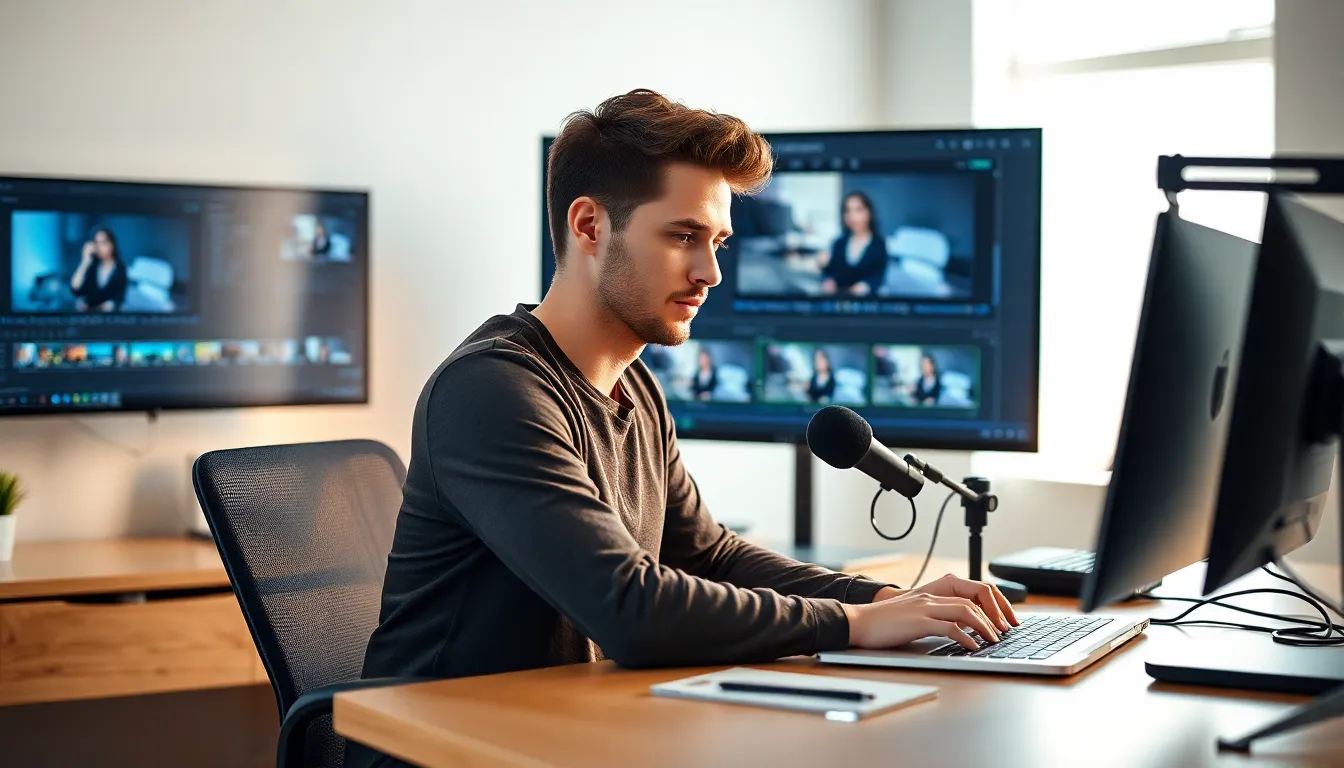
Video editing can feel like a daunting task for beginners, but it’s really just a fancy way of saying, “Let’s make that footage look awesome!” With the right tools and a sprinkle of creativity, anyone can transform their raw clips into cinematic masterpieces. Imagine turning your vacation videos into a blockbuster hit—complete with dramatic music and slow-motion montages.
Video Editing For Beginners
Video editing involves the process of taking raw footage and refining it to create an engaging narrative. The goal revolves around enhancing visuals and adding artistic elements to capture viewers’ attention.
What Is Video Editing?
Video editing refers to the manipulation and arrangement of video footage to produce a final product. This process may include cutting, trimming, and stitching together various clips. Editors often add transitions, effects, music, and sound effects to enhance the viewing experience. Key software tools like Adobe Premiere Pro and Final Cut Pro provide users with powerful features for effective editing. Beginners find that learning these tools allows them to transform ordinary clips into compelling stories, showcasing creativity and precision.
Importance of Video Editing Skills
Video editing skills hold significant value in today’s digital landscape. With the rise of platforms like YouTube and TikTok, high-quality videos capture larger audiences. Crafting polished visuals can set creators apart from competitors, driving engagement and viewership. Additionally, strong editing skills enhance communication by conveying messages clearly. These skills also apply across various industries, from marketing to education, where effective storytelling matters. Mastering video editing fosters adaptability and opens doors to career opportunities in a rapidly evolving media environment.
Essential Tools for Video Editing
Using the right tools streamlines the editing process and enhances creativity. Beginners benefit greatly from accessible software and adequate hardware.
Software Options for Beginners
Free and user-friendly software options exist, ideal for newcomers. Programs like iMovie and DaVinci Resolve provide essential features without cost. Adobe Premiere Elements offers advanced capabilities at a lower price point compared to its professional counterpart. Many users prefer Filmora for its intuitive interface, which simplifies the learning curve. Each software option comes with various tutorials, helping beginners grasp video editing techniques quickly.
Hardware Requirements
Adequate hardware supports smooth editing experiences. A computer with a multi-core processor enhances performance during intense editing sessions. At least 8GB of RAM is recommended for seamless multitasking, while 16GB or more greatly improves efficiency. Sufficient storage space is crucial; a solid-state drive (SSD) significantly increases loading speeds. Additionally, a dedicated graphics card can provide faster rendering times, elevating the overall experience for editors.
Basic Video Editing Techniques
Beginners can enhance their video projects through various essential editing techniques. Mastering these skills allows for more polished and engaging content.
Cutting and Trimming Clips
Cutting and trimming clips serves as the foundation of video editing. This process involves removing unnecessary portions from raw footage to focus on the main narrative. To execute this effectively, editors should familiarize themselves with the razor tool in their software. Positioning clips on the timeline allows for easy access and management. Trimming helps eliminate pauses that disrupt flow, creating a smoother viewing experience. Editors find that utilizing shortcuts can speed up this process, resulting in greater efficiency. Practicing this technique often leads to improved editing skills over time.
Adding Transitions and Effects
Adding transitions and effects enhances the overall viewing experience. Transitions connect clips, providing seamless flows from one scene to another. Editors often use fades, wipes, or dissolves to maintain viewer engagement. Employing effects like color corrections and filters can also elevate visual appeal. Beginners should experiment with different styles to develop a unique aesthetic. Adding music or sound effects further enriches the emotional impact of the video. Many editing software options provide built-in templates for easy application of these effects. Engaging with these tools leads to discovering creative possibilities in every project.
Tips for Effective Video Editing
Effective video editing requires attention to detail and organization. Following specific strategies can enhance the quality of the final product.
Organizing Your Footage
Organization significantly impacts the editing process. Begin by creating folders for different project components, such as clips, audio files, and images. Label each folder clearly for easy access during editing. Importing and sorting footage right after filming streamlines workflow, making it simple to locate necessary clips. Using metadata, including tags and descriptions, allows efficient searching for specific shots. Establish a consistent naming convention for files to avoid confusion and errors. Keep sequences arranged in chronological order for a logical progression. Emphasizing organization in the early stages saves time and improves focus during the editing phase.
Working with Audio
Audio quality enhances the overall viewing experience of videos. Incorporating background music sets the mood and engages viewers, while clear dialogue ensures message delivery. Utilize audio tracks from royalty-free libraries or create original scores to maintain legal compliance. Adjust audio levels for consistency, ensuring that dialogue remains audible but not overpowering. Applying sound effects adds depth and realism, enriching the narrative. Begin with background music at a lower volume, gradually adjusting based on scenes for balance. Monitoring audio during playback is essential for identifying inconsistencies. Streamlining audio editing increases the professionalism of the final video.
Common Mistakes to Avoid
Beginners often make common mistakes in video editing that can impact the final product. Recognizing these pitfalls can help improve their editing skills and overall output.
Overusing Effects
Using excessive effects can distract viewers from the main message of the video. Beginners sometimes apply too many transitions, filters, or animations, creating a chaotic visual experience. It’s crucial to use effects purposefully, enhancing storytelling without overwhelming the audience. A good rule is to limit effects to only those that serve a narrative purpose. Practicing restraint allows the focus to remain on the content rather than the editing gimmicks.
Ignoring Export Settings
Neglecting export settings may result in poor video quality. Each platform has specific requirements for resolution, format, and bit rate. Beginners who don’t adjust these settings might end up with videos that appear pixelated or refuse to upload. Understanding export options is essential for delivering high-quality content. Familiarizing oneself with these specifications is a valuable step in creating polished, professional videos that engage viewers effectively.
Conclusion
Embarking on a video editing journey can be both exciting and challenging for beginners. With the right tools and techniques at their disposal, anyone can transform ordinary footage into captivating stories. By focusing on essential skills like cutting, trimming, and incorporating sound, beginners can enhance their projects significantly.
Staying organized and mindful of audio quality will elevate the overall viewing experience. Avoiding common pitfalls such as overusing effects will ensure the final product resonates with audiences. As they continue to practice and learn, aspiring editors can unlock their creative potential and thrive in the dynamic world of video production.