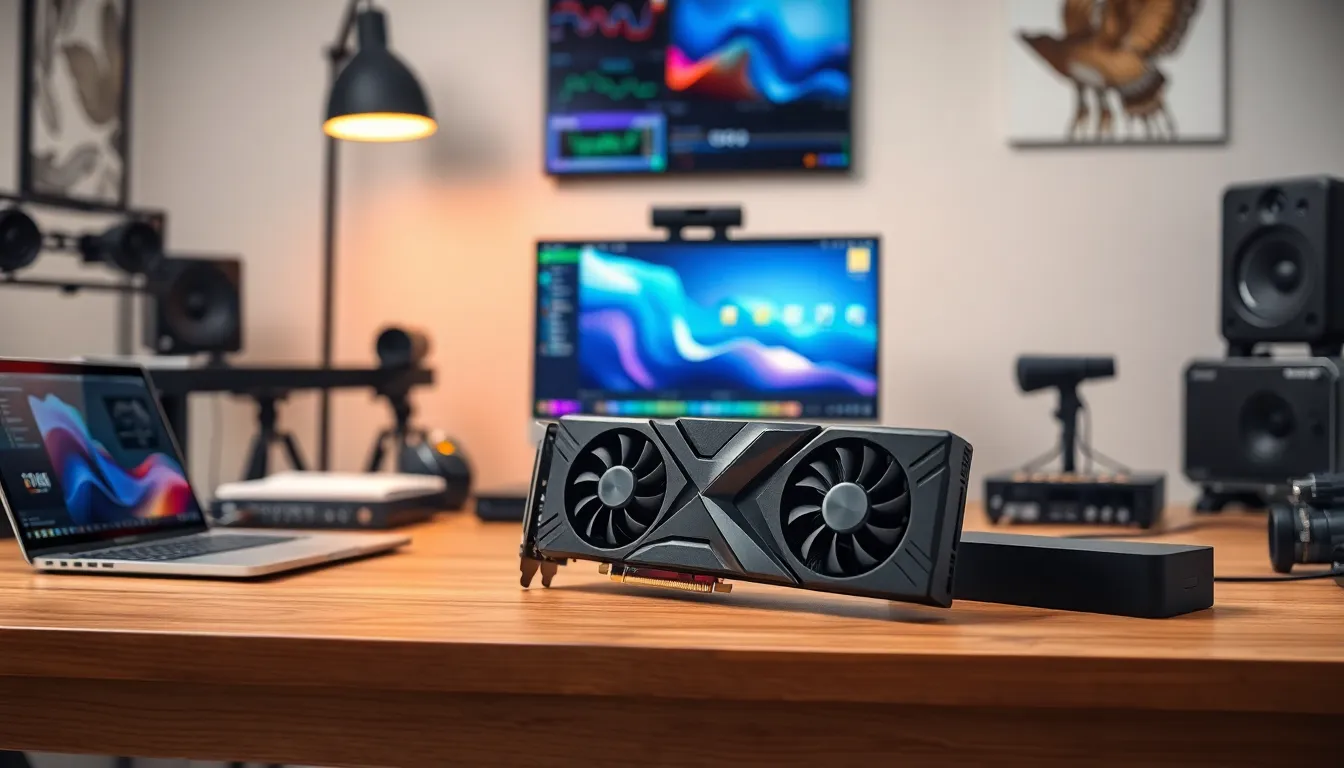
In the fast-paced world of video editing, having the right tools can make or break a project. The best graphics card isn’t just a luxury; it’s the secret sauce that transforms mundane footage into cinematic masterpieces. Think of it as the trusty sidekick every superhero needs—without it, even the most skilled editor can feel like they’re fighting crime with one hand tied behind their back.
Overview of Graphics Cards for Video Editing
Graphics cards play a vital role in video editing, directly influencing performance and efficiency. A powerful GPU enhances rendering times and facilitates smooth playback during editing sessions. When selecting a graphics card, consider several key specifications that impact video editing tasks.
Performance metrics such as CUDA cores, VRAM, and clock speed significantly affect how well a graphics card handles demanding applications. CUDA cores enable parallel processing, optimizing rendering speeds in software like Adobe Premiere Pro and DaVinci Resolve. Meanwhile, sufficient VRAM, typically 6GB or more, ensures efficient handling of high-resolution footage and multiple layers.
Compatibility also matters. Ensure the graphics card is compatible with other hardware components and the video editing software in use. For example, certain software may favor specific brands, such as NVIDIA or AMD, which may enhance performance due to better driver support.
Price points vary widely across graphics cards. While high-end options like NVIDIA’s RTX series provide exceptional performance, budget-friendly models from AMD can still deliver satisfactory results. Balance the investment with the expected workload to determine the best option for specific editing needs.
Thermal performance is another critical consideration. Graphics cards generate heat during operation, so adequate cooling solutions are essential to maintain performance and longevity. Continuous high temperatures may lead to throttling, negatively impacting editing efficiency.
Upgrading graphics cards can be a game-changer for video editors. Improved capabilities often result in noticeable differences in rendering times and overall workflow. Choosing the right graphics card ultimately leads to enhanced creative possibilities in video editing projects.
Right Graphics Card for Video Editing
Selecting the right graphics card for video editing involves considering several key factors. Performance, VRAM, and cooling features all play essential roles in enhancing productivity.
Performance and Compatibility
Performance affects how quickly videos render and how smoothly they playback. A graphics card with a higher number of CUDA cores typically processes tasks more efficiently. Compatibility with editing software also matters; certain programs perform better with specific brands. Opting for NVIDIA cards often benefits users of Adobe applications, while AMD cards work well with DaVinci Resolve. Consider how a particular graphics card integrates with existing components to avoid bottlenecks.
VRAM and Memory Bandwidth
VRAM capacity serves an important function in handling high-resolution footage. Graphics cards with 8GB or more of VRAM generally accommodate 4K and 8K video editing. Memory bandwidth also significantly influences data transfer rates between the graphics card and system memory. A card with higher bandwidth enables smoother performance during editing, especially with complex effects and multiple layers. Selecting a card that balances VRAM and bandwidth ensures optimal video editing experiences.
Cooling and Power Requirements
Effective cooling systems provide stability and prevent overheating during intensive tasks. Graphics cards equipped with robust cooling solutions maintain optimal performance without thermal throttling. Power requirements also should not be overlooked; a card may need a high wattage power supply to function correctly. Assess system power capacity before purchasing a graphics card to avoid compatibility issues. Choosing a well-cooled, power-efficient option supports prolonged editing sessions and overall system reliability.
Top Graphics Cards for Video Editing
Selecting the right graphics card enhances video editing performance. High-quality graphics cards like the ones below lead the market.
Nvidia GeForce RTX Series
Nvidia GeForce RTX Series stands out for its exceptional performance. With impressive CUDA cores, these graphics cards accelerate rendering tasks effectively. They support real-time ray tracing, which provides realistic lighting and shading effects. VRAM options typically start at 8GB, making them suitable for 4K editing and beyond. Popular models include RTX 3060, 3070, and 3080, all known for balancing price and performance. Compatibility with software like Adobe Premiere Pro and DaVinci Resolve significantly enhances workflow efficiency. Thermal performance ensures long hours of editing without overheating issues.
AMD Radeon RX Series
AMD Radeon RX Series offers a strong alternative for video editors. Designed with high VRAM capacities, many models, such as RX 6700 XT and RX 6800, excel in handling large video files. These graphics cards utilize RDNA architecture, enhancing performance per watt. Graphics rendering benefits from features like Smart Access Memory, allowing for improved data transfer between GPU and CPU. Editors often praise AMD cards for their affordability while maintaining competitive performance levels. They integrate smoothly with many editing applications, providing flexibility in workflows and promoting faster rendering times.
Budget-Friendly Options
Finding a graphics card that fits both performance needs and budget constraints is essential for video editors. Several options cater to various pricing tiers without compromising essential features.
Entry-Level Graphics Cards
Entry-level graphics cards offer a cost-effective solution for novice video editors. The Nvidia GeForce GTX 1650 provides decent performance for 1080p editing, featuring 4GB of VRAM and a strong CUDA core count. This model handles basic tasks in editing software well. Another option, the AMD Radeon RX 5500 XT, also includes 4GB of VRAM and excels with its efficient power consumption. These cards represent an excellent choice for users starting their editing journey.
Mid-Range Graphics Cards
Mid-range graphics cards serve as a versatile option, balancing performance and price. The Nvidia GeForce RTX 3060 stands out with 12GB of VRAM, making it suitable for 4K editing and multitasking within demanding applications. It boasts ray tracing support that enhances overall visual fidelity. Alternatively, the AMD Radeon RX 6700 XT offers 12GB of VRAM, providing solid performance for both video editing and gaming; its RDNA architecture ensures efficient rendering. Investing in these models significantly improves workflow and enhances creative potential.
Conclusion
Choosing the right graphics card can significantly transform a video editor’s workflow. With the right specifications and compatibility, editors can unleash their creativity and efficiently handle demanding projects. Whether opting for high-end models like the Nvidia GeForce RTX Series or budget-friendly options like the GTX 1650, it’s crucial to align the choice with specific editing needs and budget constraints.
Investing in a quality graphics card not only enhances rendering times but also ensures smooth playback and efficient multitasking. As video editing continues to evolve, having a powerful graphics card will remain a vital component for achieving professional results.