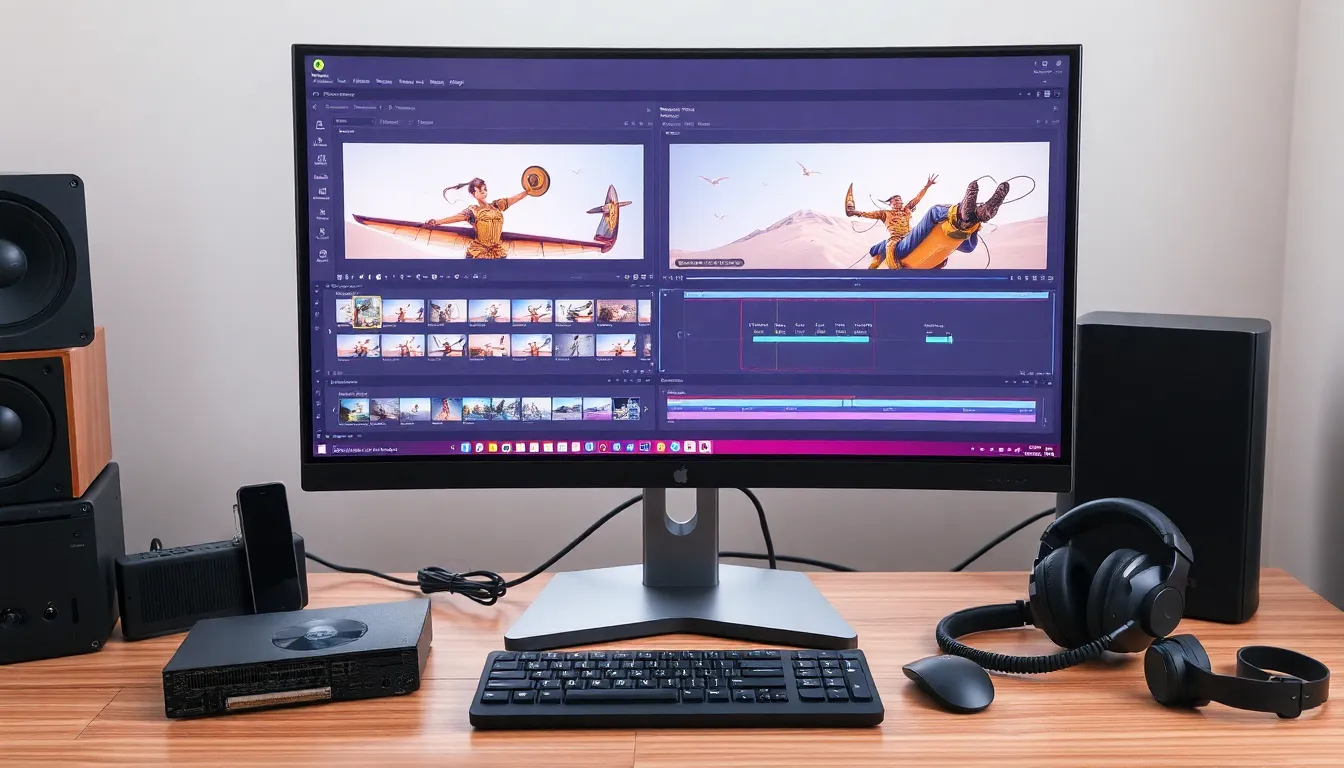
In a world where video content reigns supreme, having the right computer for video editing is no longer a luxury; it’s a necessity. Imagine trying to slice and dice your epic footage on a toaster—frustrating, right? A powerful machine can be the difference between creating a cinematic masterpiece and watching the spinning wheel of doom for hours.
Importance Of A Good Computer For Video Editing
A powerful computer significantly enhances the video editing process. When an editor uses a capable machine, tasks like rendering and exporting become straightforward. Inadequate systems often struggle with large files, leading to slow performance and frustrating delays. An efficient computer allows for smoother playback, minimizing interruptions during editing.
Performance impacts creativity. Editors can focus on their projects instead of troubleshooting slow software or crashes. High-quality graphics cards and ample RAM accelerate render times, enabling quick adjustments and real-time previews. With faster storage solutions, such as SSDs, file transfer speeds improve, making the workflow more efficient.
Reliability plays a crucial role. A good computer reduces the risk of data loss due to crashes. Consistent performance fosters a more productive editing environment, allowing editors to tackle complex projects without setbacks. When editors aren’t bogged down by technical issues, they can fully engage with their artistic vision.
Another aspect is software compatibility. High-performing systems can effortlessly run demanding applications like Adobe Premiere Pro or Final Cut Pro. These applications benefit from improved hardware, demonstrating the synergy between robust machines and advanced editing software.
Budget considerations impact choices. Investing in a quality computer often pays off in the long term. Performance gains can lead to more finished projects and satisfied clients. Professionals recognize that a capable machine represents a foundational tool in video editing, providing versatility and efficiency throughout the editing process.
Key Specifications To Consider
Choosing a computer for video editing involves assessing several key specifications. Prioritizing the right components ensures a smooth editing experience.
Processor Power
Processor speed significantly impacts video editing performance. Look for a multi-core processor with at least four cores, as this setup handles tasks like rendering and encoding efficiently. Intel Core i7 and AMD Ryzen 7 models excel in providing the necessary power. High clock speeds, ideally above 3.0 GHz, enhance performance during demanding editing workflows. Systems with faster processors facilitate quicker exports, enabling editors to focus on creativity rather than waiting.
Graphics Card Selection
A powerful graphics card accelerates rendering and enhances playback quality. Choosing a dedicated GPU, such as NVIDIA GeForce RTX or AMD Radeon RX, provides the necessary graphics performance for video editing applications. Support for hardware acceleration in editing software utilizes the GPU to reduce rendering times. Editors should prioritize GPUs with at least 4 GB of VRAM to manage high-resolution projects effectively. A capable graphics card not only improves editing efficiency but also enhances visual effects and color grading processes.
RAM Requirements
Sufficient RAM is essential for seamless multitasking during video editing. A minimum of 16 GB is recommended, especially for 4K video projects. Faster RAM speeds, ideally above 2666 MHz, can further boost performance. Higher RAM capacity allows for smoother playback and better handling of multiple applications running simultaneously. For those working on large projects or with multiple software tools, upgrading to 32 GB guarantees a more efficient editing environment.
Storage Options
Storage type and capacity influence video editing workflows. Solid State Drives (SSDs) outperform Traditional Hard Drives (HDDs) in speed, making them ideal for storing project files and software. Sufficient capacity of at least 1 TB ensures enough space for high-resolution footage. Including an HDD for archival storage can be cost-effective. Fast read and write speeds dramatically reduce file transfer times, enabling quicker access to large video files, which directly enhances productivity in editing tasks.
Recommended Computers For Video Editing
A range of computers exists for video editing, accommodating various needs and budgets. Selecting the right option enhances efficiency and creativity.
High-End Options
For professionals, high-end computers deliver unmatched performance. The Apple MacBook Pro M1 Max excels with its powerful processor and exceptional graphics capabilities, ideal for seamless 4K editing and heavy multitasking. Dell XPS 15 features an Intel Core i9 and NVIDIA GeForce RTX 3050, ensuring rapid rendering and smooth playback. HP Z4 G4 Workstation offers robust specs, supporting extensive workloads through configurations that allow up to 128 GB of RAM.
Mid-Range Choices
Mid-range computers provide excellent value for aspiring videographers. The ASUS ROG Zephyrus G14 combines an AMD Ryzen 9 with an NVIDIA GeForce RTX 3060, offering solid performance for editing without breaking the bank. Lenovo Legion 5 features a potent AMD Ryzen 7 CPU and 16 GB of RAM, suitable for various editing tasks and enabling efficient workflow management. Acer Aspire 5 stands out with its affordable pricing while incorporating a well-rounded performance for projects up to 4K resolution.
Budget-Friendly Picks
Budget-friendly computers cater to newcomers while still offering decent specs. The Acer Swift 3 delivers reliable performance with an AMD Ryzen 5 processor and integrated graphics, making it suitable for basic video editing tasks. HP Pavilion X360 packs versatility and portability without compromising on performance, featuring a 14-inch touch display for easy interaction. Recommended configurations typically include 8 GB of RAM and 512 GB SSD to handle small to medium-sized projects effectively.
Software Compatibility
Software compatibility plays a vital role in maximizing video editing efficiency. Most professional video editing applications like Adobe Premiere Pro or Final Cut Pro require specific operating systems and hardware specifications to function optimally. A computer running macOS works seamlessly with Final Cut Pro, while a Windows-based system is ideal for Adobe Premiere Pro.
Performance often hinges on GPU support, especially when using graphics-intensive features in modern video editing software. Editors should verify that the computer’s graphics card is compatible with the software. For example, NVIDIA GeForce RTX cards offer enhanced support for real-time ray tracing, which many software applications utilize.
RAM availability influences software performance directly. With a minimum of 16 GB for basic video editing, users should consider systems with 32 GB of RAM or more for 4K projects. This configuration allows for efficient multitasking, particularly when dealing with multiple software applications running simultaneously.
Moreover, storage capabilities matter significantly. Fast read and write speeds from SSDs improve file access times, which boosts editing efficiency. Editors relying on large video files benefit from high-capacity SSDs, typically starting at 1 TB.
Regular updates from software vendors ensure compatibility with current hardware. Staying informed about the latest software versions prevents potential conflicts and optimizes performance. Editors should regularly check for updates to their chosen applications to leverage improvements.
Lastly, understanding system requirements helps in selecting the right computer. Each software application lists minimum and recommended specifications, guiding users toward compatible hardware. Matching these specifications ensures a smooth and productive editing experience.
Conclusion
Investing in a powerful computer for video editing is crucial for anyone serious about their craft. A robust machine not only streamlines the editing process but also enhances creativity by minimizing technical interruptions. With the right specifications such as a strong processor ample RAM and a high-quality graphics card editors can achieve smoother workflows and quicker render times.
Choosing the right computer can significantly impact productivity and client satisfaction. Whether opting for high-end mid-range or budget-friendly options understanding the requirements for specific software ensures compatibility and efficiency. Ultimately a capable computer serves as the backbone of a successful video editing setup enabling creators to focus on bringing their visions to life.