In a world overflowing with content, mastering video editing can turn anyone into a creative superstar. Whether it’s for personal projects or a budding career, learning to slice and dice footage can be as thrilling as a rollercoaster ride—minus the motion sickness. With the right tools and a sprinkle of creativity, anyone can transform raw clips into cinematic masterpieces.
Understanding Video Editing
Video editing involves the process of manipulating and rearranging video footage. It creates a new, cohesive piece that communicates a specific message or tells a story.
What is Video Editing?
Video editing refers to the processes involved in adjusting video content. This can include cutting, trimming, and combining clips to enhance storytelling or improve visual appeal. Various software tools, such as Adobe Premiere Pro and Final Cut Pro, facilitate this process. Simple edits, like adding transitions or effects, enhance the overall quality. Advanced techniques may involve color grading, motion graphics, and sound design. Each edit serves to create a more engaging viewing experience.
Importance of Learning Video Editing
Learning video editing offers numerous benefits in an increasingly visual world. Content creators leverage video editing skills to produce high-quality videos for platforms like YouTube or social media. Such skills attract attention and help build personal or professional brands. Organizations often rely on skilled editors for marketing campaigns or instructional content. Mastery of video editing increases job prospects in various fields, such as film, advertising, and education. Overall, understanding video editing empowers individuals to express creativity effectively and generate impactful narratives.
Essential Tools for Video Editing
Choosing the right tools is vital for effective video editing. Both software and hardware play significant roles in the editing process.
Software Options
Popular software options include Adobe Premiere Pro, Final Cut Pro, and DaVinci Resolve. Adobe Premiere Pro offers advanced features like multi-camera editing and customizable workspaces. Final Cut Pro is known for its intuitive interface and seamless integration with Apple products. DaVinci Resolve excels in color correction and audio post-production. Many editors also use iMovie for basic projects and HitFilm Express for a free option featuring visual effects. Choosing the right software often depends on personal preference, budget, and required features.
Hardware Requirements
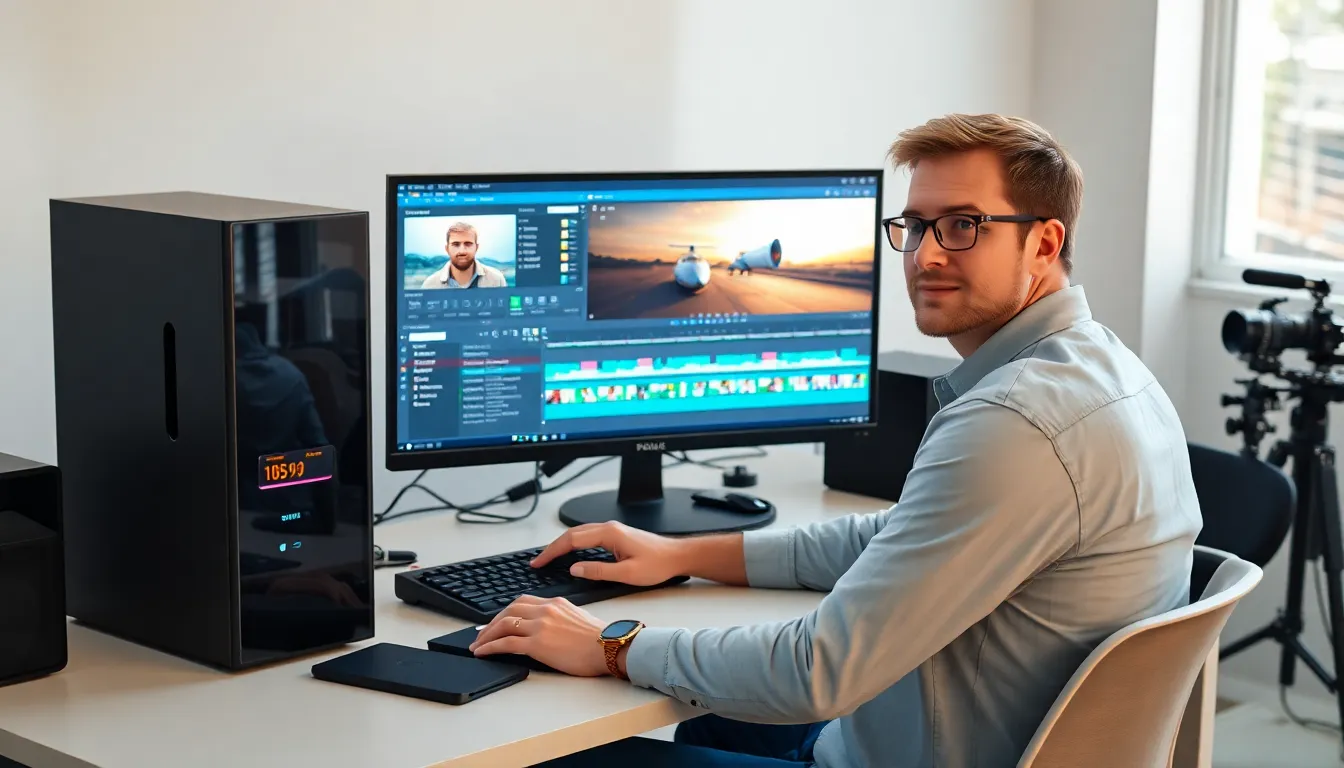
Essential hardware components include a powerful computer, sufficient RAM, and a high-resolution monitor. A system with at least 16 GB of RAM ensures smooth performance during editing tasks. A dedicated graphics card significantly enhances rendering speeds and playback quality. Additionally, a fast solid-state drive (SSD) allows for quick loading times and efficient file storage. Having a dual-monitor setup can improve workflow by providing extra screen space for managing editing tools and timelines. Prioritizing these hardware aspects increases overall editing efficiency and productivity.
Steps to Start Learning Video Editing
Learning video editing requires a structured approach that maximizes skill development. By following specific steps, individuals can enhance their editing proficiency.
Choosing the Right Learning Resources
Select resources that align with personal learning preferences. Online platforms offer numerous video editing courses, including Udemy and Skillshare, providing structured paths. YouTube hosts countless tutorials, which address specific techniques and software usage. Books written by industry professionals can provide in-depth knowledge and insights. Seek out communities on forums and social media for additional support and inspiration. Engaging in these diverse resources creates a well-rounded foundation for mastering video editing skills.
Setting Up a Practice Environment
Create a dedicated space conducive to learning. Designate a comfortable workstation equipped with essential video editing software. Ensure the computer meets or exceeds the recommended specifications for optimal performance. Invest in high-quality headphones or speakers to accurately assess sound design. Gather footage from personal projects or royalty-free sources to practice editing techniques. Establishing a structured, distraction-free environment promotes focus and productivity, ultimately enhancing the learning experience.
Tips for Effective Learning
Learning video editing requires a strategic approach. Focusing on essential skills and consistent practice facilitates mastery over time.
Creating a Study Schedule
Establishing a study schedule helps individuals manage their learning effectively. Allocate specific hours each week dedicated to video editing. Utilize a mix of resources, such as online courses and tutorials, to guide progress. Setting short-term goals, like completing a tutorial or mastering a particular technique, encourages motivation. Reviewing and adjusting the schedule based on personal pace enhances productivity. Developing this routine sets a solid foundation for building technical skills.
Practicing with Real Projects
Engaging in real projects significantly enhances video editing skills. Starting with personal videos or small assignments creates hands-on experience. Attempt to edit vlogs, family events, or travel footage, focusing on different styles and techniques. Collaborating with others on community projects or contests offers valuable feedback. Completing these projects fosters creativity and confidence. Delving into various genres, such as promotional videos or short films, expands skill sets and enriches the learning experience.
Conclusion
Learning video editing opens up a world of creative possibilities. With dedication and the right resources anyone can transform their vision into captivating visual stories. By mastering essential techniques and tools individuals not only enhance their personal projects but also boost their professional prospects in various industries.
The journey to becoming a skilled video editor is filled with continuous learning and experimentation. Engaging with a community and practicing regularly can lead to significant growth. As the demand for high-quality video content increases those who embrace video editing will find themselves well-equipped to thrive in a visually driven landscape.